

photo
Mountain hut
A modern mountain hut in the Alps at blue hour, warm light in the windows, fine mist between rugged peaks, natural photography
Prepare for free. Credits are only used when you generate.
AI Image
The modern text-to-image generator: describe your idea, choose your style and aspect ratio, and create vivid images with transparent credit costs.
AI image generator
From 1 credit. Failed generations are refunded.
1 Credit
Only on successful result · 1 image
Prompt → Image
One idea.
Many directions.
Use an example prompt on the left or describe your own subject.
photo
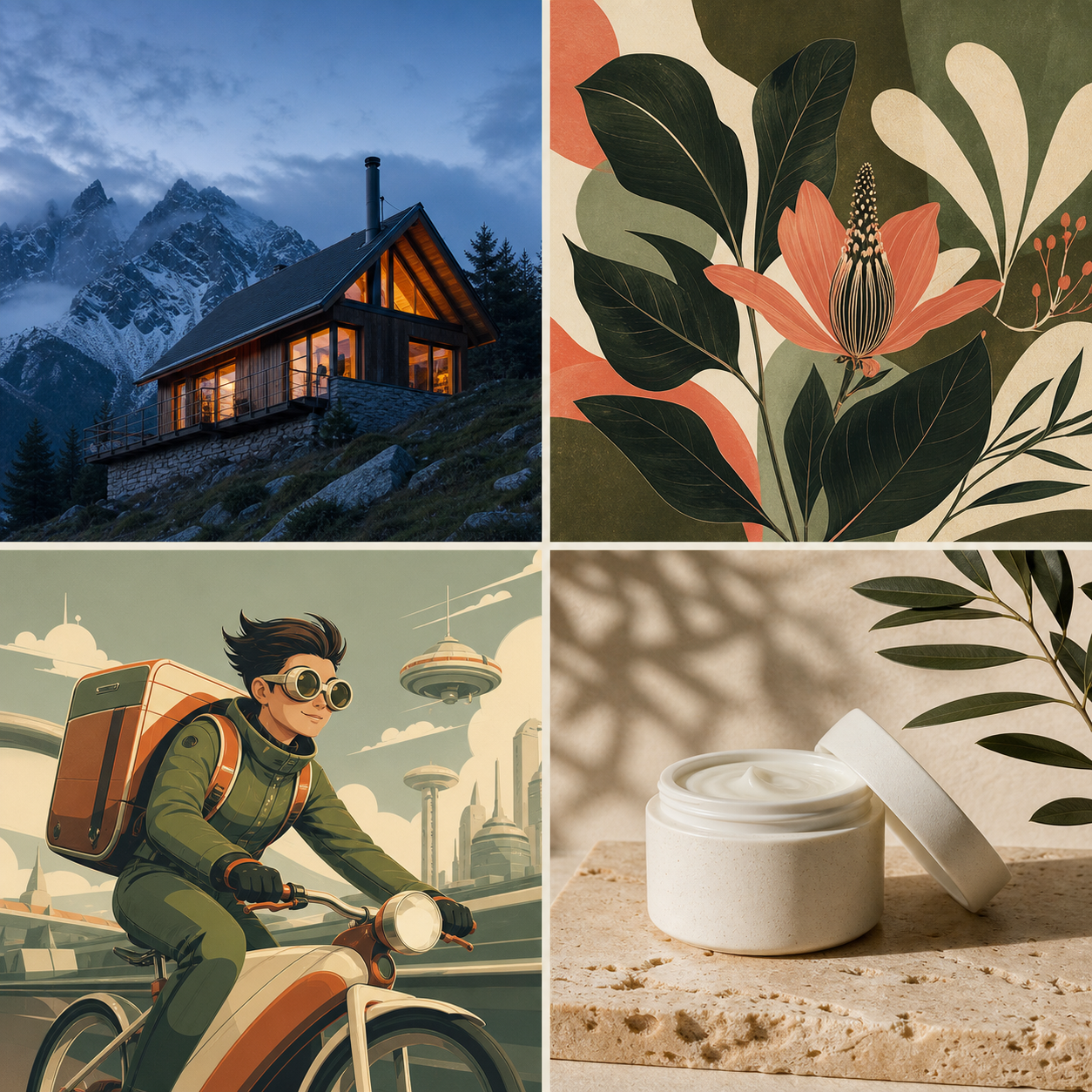
A modern mountain hut in the Alps at blue hour, warm light in the windows, fine mist between rugged peaks, natural photography
illustration
Editorial botanical illustration of an exotic flower, deep olive tones, warm cream and subtle coral red, balanced shapes
anime
Original retro-futuristic bike courier on an elevated road, optimistic future city, expressive shapes, dynamic perspective
product
Matte ceramic skincare jar on light travertine, soft sunlight, olive branch, high-end studio photography, no logo
Subject, setting, lighting and desired effect in your own words.
Photo, illustration, product or poster to match your use case.
Download the image, reuse the prompt or create a variation.
A focused workflow without hidden model complexities. Set your style, pick your ratio, and generate with one click.
Already have an image you want to animate into motion? Try Image to Video AI directly.
Subject, setting, lighting and desired effect in your own words.
Photo, illustration, product or poster to match your use case.
Download the image, reuse the prompt or create a variation.
Create AI images for photography, digital illustration, 3D and typography design.
Instead of an endless keyword comma list, describe a concrete scene. Follow this structure for the most coherent results.
Always review trademark, personality and copyright details before using AI images commercially.
Use Design mode for posters and graphics. Wrap the exact lettering in quotation marks (e.g. “NEW PATHS”) and describe positioning and font style.
Credit costs, guest generation, prompt reproducibility, rights and commercial usage policies.
Describe the subject, setting, lighting and look in a prompt. Then choose the style, aspect ratio and quality mode. The AI image generator turns it into a new image that you can review and download.
Every generation costs credits: Fast costs 1 credit, Text & Design 2 credits. The cost is shown before you start and only charged on successful processing.
The tool and guides are freely accessible. Eligible one-time credit packs support guest checkout, so you can pay and create without registering. Keep the same browser session or verify your checkout email to recover your credits and private creations.
Text & Design is intended for posters, packaging and designs with visible typography. Put the exact wording in quotation marks in the prompt and still check the result for typos.
In Fast mode you can use a fixed seed together with the same prompt, style and format. This improves reproducibility, but does not guarantee a pixel-identical result after provider or model updates.
Commercial use may be possible depending on the model and platform terms. Before using it, check the current license terms and review each result for trademark, copyright, personality and other third-party rights. Avoid protected characters, logos and deceptive depictions of real people.
Create an AI image in seconds, then enhance or animate it directly into video.