

Wassup Dance AI
Turn three photos into the viral Wassup Been A Minute trio dance video in seconds. Upload Left, Center, and Right portraits to make your own wassup in a minute meme clip—prompts, motion choreography, and timing are handled automatically.
Upload 3 dancer photos
Add Left, Center, and Right photos in order. Clear, front-facing photos with unobstructed faces work best.
Appears on the left side of the hillside trio.
Center dancer who steps close to the camera.
Appears on the right side of the hillside trio.
- 01
Upload three photos in order
Drop clear front-facing photos into Left dancer, Center lead, and Right dancer. The Center lead is the dancer who steps close to the camera midway through the routine.
- 02
Auto-sync to the Wassup Been A Minute routine
Click Generate to transfer all three identities onto the 15-second wassup in a minute hillside choreography—timing, arm pumps, and the signature step-in camera groove are already locked in.
- 03
Preview and export your trio clip
Watch the finished 16:9 HD video right inside the workspace, then download it ready for TikTok, Reels, or YouTube Shorts.
How to use this effect
3-step meme recipe- STEP 01
Upload three photos in order
Drop clear front-facing photos into Left dancer, Center lead, and Right dancer. The Center lead is the dancer who steps close to the camera midway through the routine.
- STEP 02
Auto-sync to the Wassup Been A Minute routine
Click Generate to transfer all three identities onto the 15-second wassup in a minute hillside choreography—timing, arm pumps, and the signature step-in camera groove are already locked in.
- STEP 03
Preview and export your trio clip
Watch the finished 16:9 HD video right inside the workspace, then download it ready for TikTok, Reels, or YouTube Shorts.
Frequently asked questions
What is Wassup Dance AI (Wassup Been A Minute / wassup in a minute)?
Wassup Dance AI is the viral three-person hillside dance trend set to the Jersey Club remix of "From Time" featuring the "What’s up, been a minute" hook—widely searched as Wassup Been A Minute and wassup in a minute. With this tool, you simply upload three photos to put any group of friends, characters, or celebrities into the routine.
Which photo goes into Left, Center, and Right?
Photo 1 controls the dancer on the left, Photo 2 controls the Center lead who steps up close to the lens halfway through the clip, and Photo 3 controls the dancer on the right. Swapping photos changes which person takes the spotlight step-in.
Do I need to write prompts or adjust video settings?
No. Just like a one-click CapCut template, all motion-control prompts, 15-second timing, 720p resolution, and 16:9 framing are pre-configured on the server.
Can I use fictional characters, pets-as-humans, or group photos?
Single-subject portraits work best for each slot—one clear person or stylized character per upload. Cropping a group photo into three separate individual portraits keeps identities distinct.
What video format does the Wassup Dance AI generator output?
Every generation renders a 15-second 16:9 widescreen 720p MP4 synced to the reference choreography, ready to download or crop into vertical highlights.
More effects to try
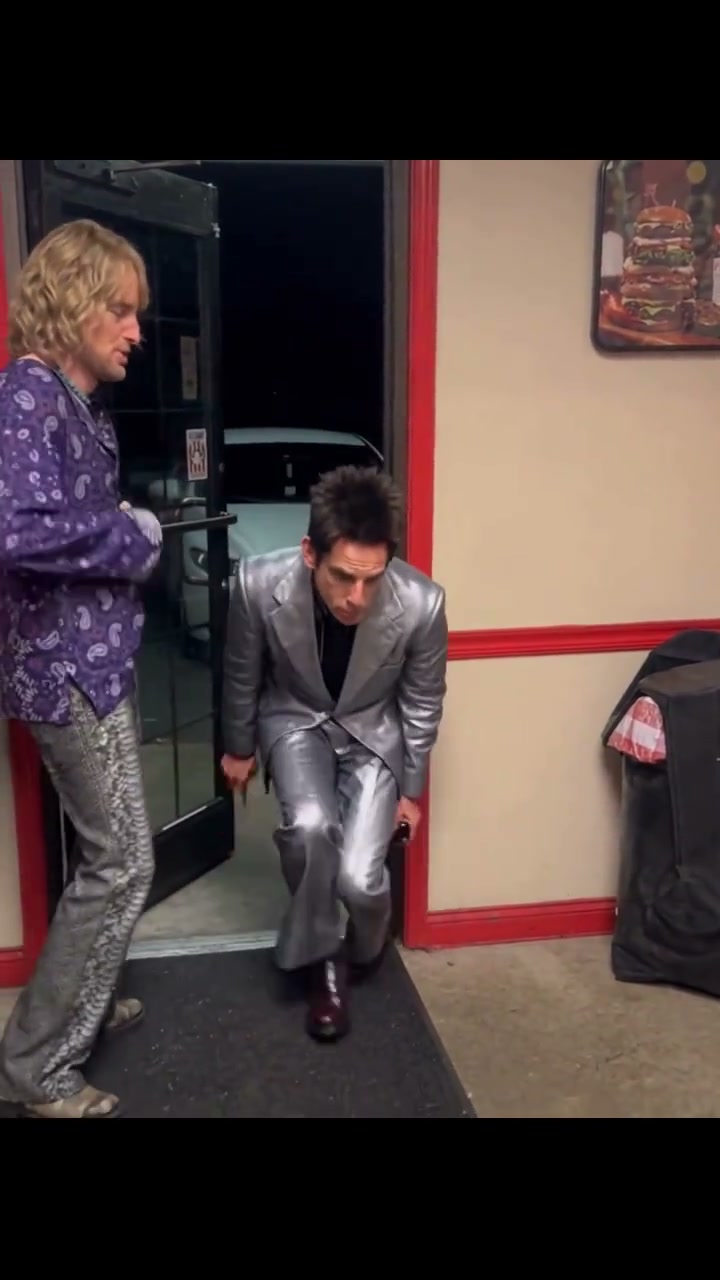
Hold the Door Dance AI
Turn two photos into the viral Hold the Door Dance AI (Doorway Entrance Dance) video in seconds. Upload an Entrance dancer and a Door-holder portrait to star in the 15-second vertical strut meme—doorway reveal, low crouch-walk glide, and close-up finale run automatically without prompts.
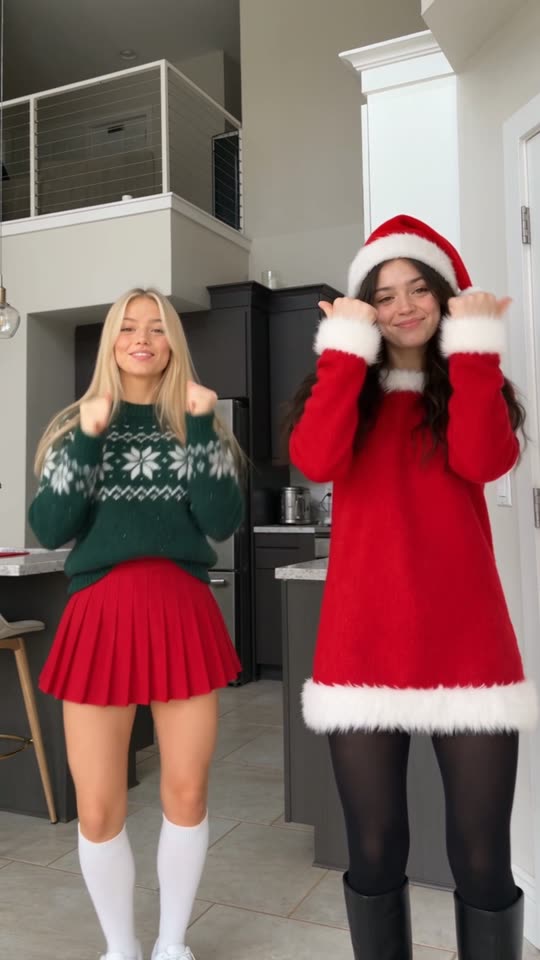
Deck the Halls Dance AI
Turn two photos into the viral Deck the Halls Dance TikTok video in seconds. Upload Left and Right portraits to star in the 14-second vertical holiday duo routine—choreography, deadpan timing, and outfits stay intact without prompts.
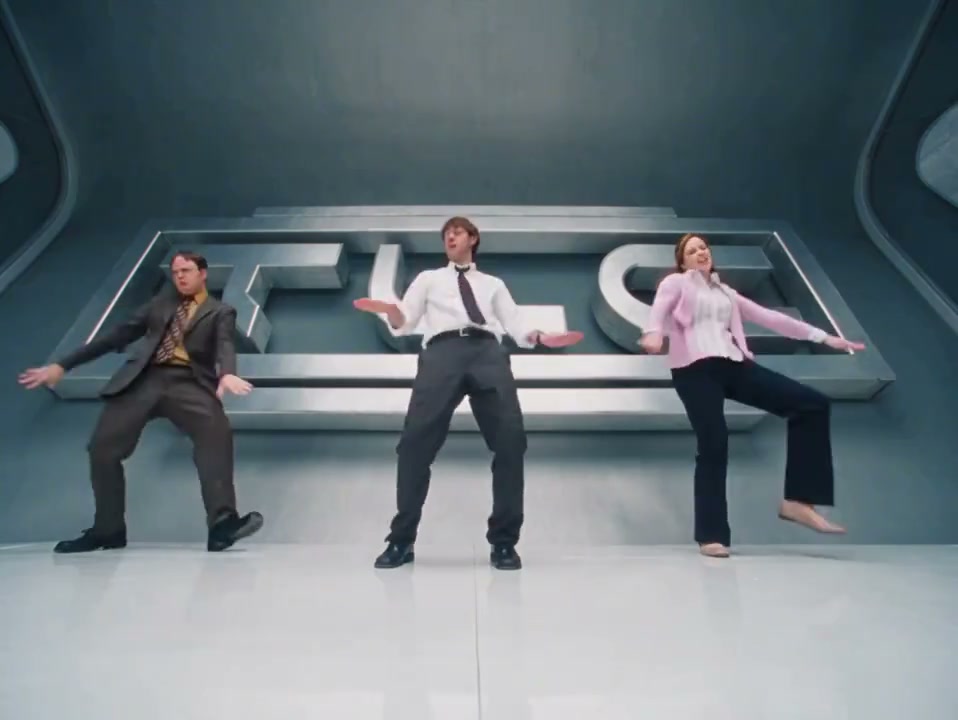
No Scrubs AI
Turn three photos into the viral No Scrubs Trend AI video inside the chrome 1999 TLC space-station set. Use our No Scrubs AI video generator for an instant TLC No Scrubs AI dance & face swap clip—synced choreography, studio cuts, and original outfits handled automatically.
Prep photos or customize beyond presets
Fix low-res shots before uploading, upscale your exported clip, or switch to full image to video and text to video controls.
- Image EnhancerSharpen blurry portraits before uploading.
- Image ExtenderExpand tight crops so full outfits stay in frame.
- AI Image GeneratorCreate custom characters or costumes to animate.
- Video EnhancerUpscale exported dance clips up to 4K.
- Image to VideoSwitch to custom prompts and camera motion.
- Text to VideoBuild an original scene from a text prompt.