

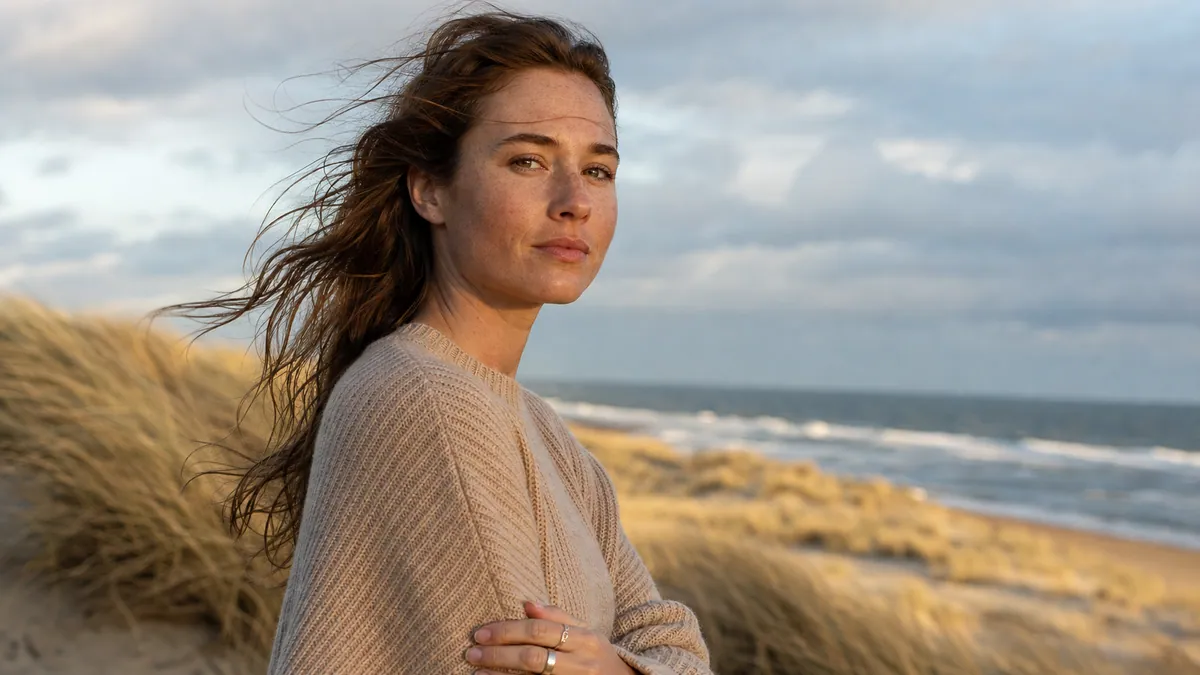
Portrait · 5s · 16:9
Portrait in a coastal breeze
Gentle forward camera push. A light coastal breeze moves hair and clothing naturally. Face, hands and identity stay stable. Soft golden light, no distortion.
Prepare for free. Credits are only used when you generate.
AI Video
Turn any photo, picture or AI illustration into a short video clip. Choose the camera motion, format and model – for product clips, Reels or TikTok.
Image to video generator
From 9 credits. Failed generations are refunded.
Input, motion and export settings
Portrait · 5s · 16:9
Gentle forward camera push. A light coastal breeze moves hair and clothing naturally. Face, hands and identity stay stable. Soft golden light, no distortion.
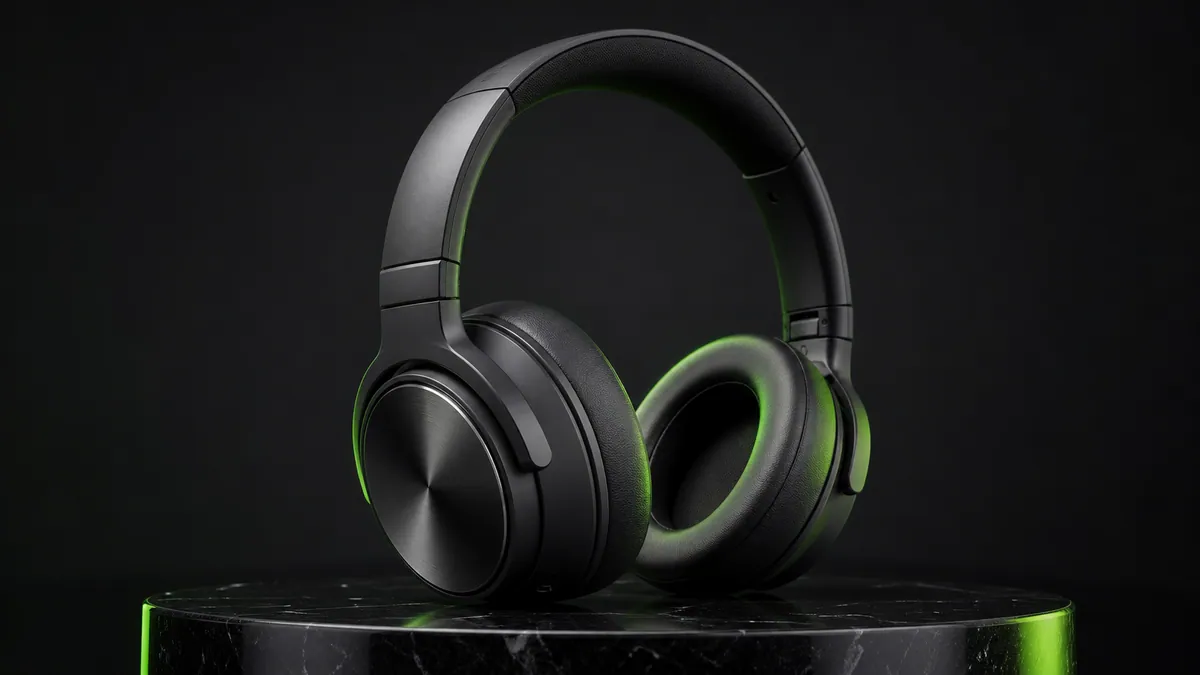
Product · 5s · 16:9
Slow, controlled orbit camera move around the headphones. Green rim light sweeps across metal and matte surfaces. The product shape stays exact and unchanged.
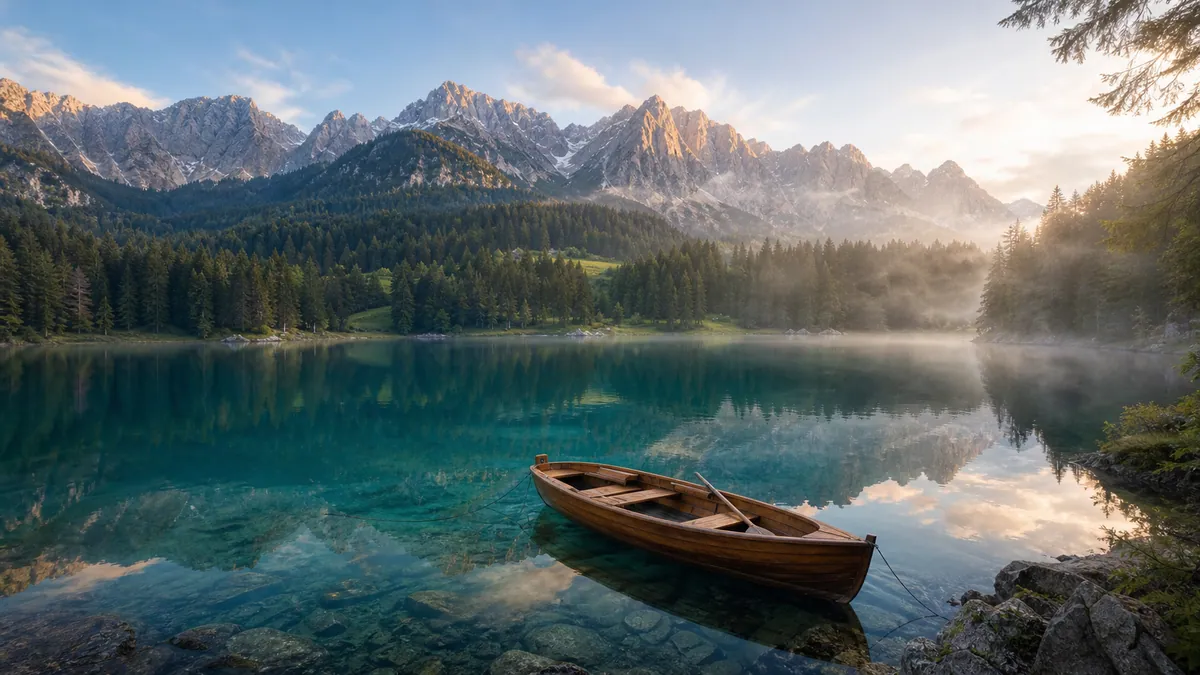
Landscape · 5s · 16:9
The camera glides slowly over the clear mountain lake. Gentle ripples, light morning mist and stable reflections create natural spatial depth.
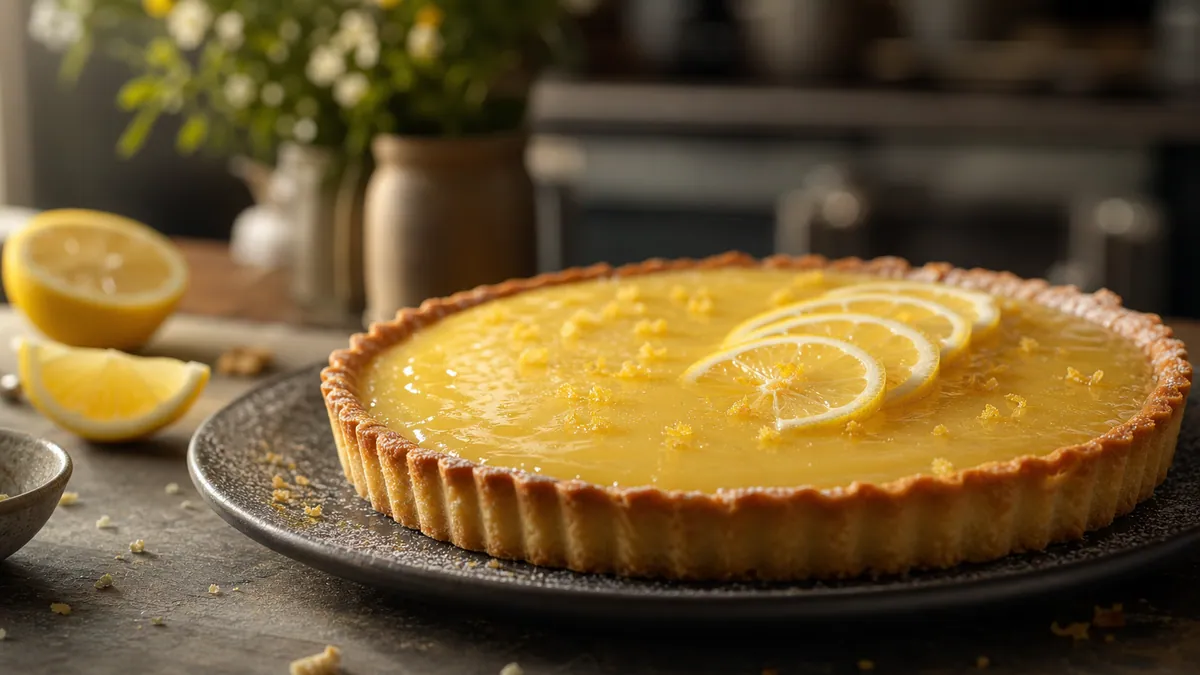
Food · 5s · 16:9
Slow, appetizing push-in on the lemon tart. Warm light moves subtly across the glossy surface. Ingredients and plate stay unchanged.
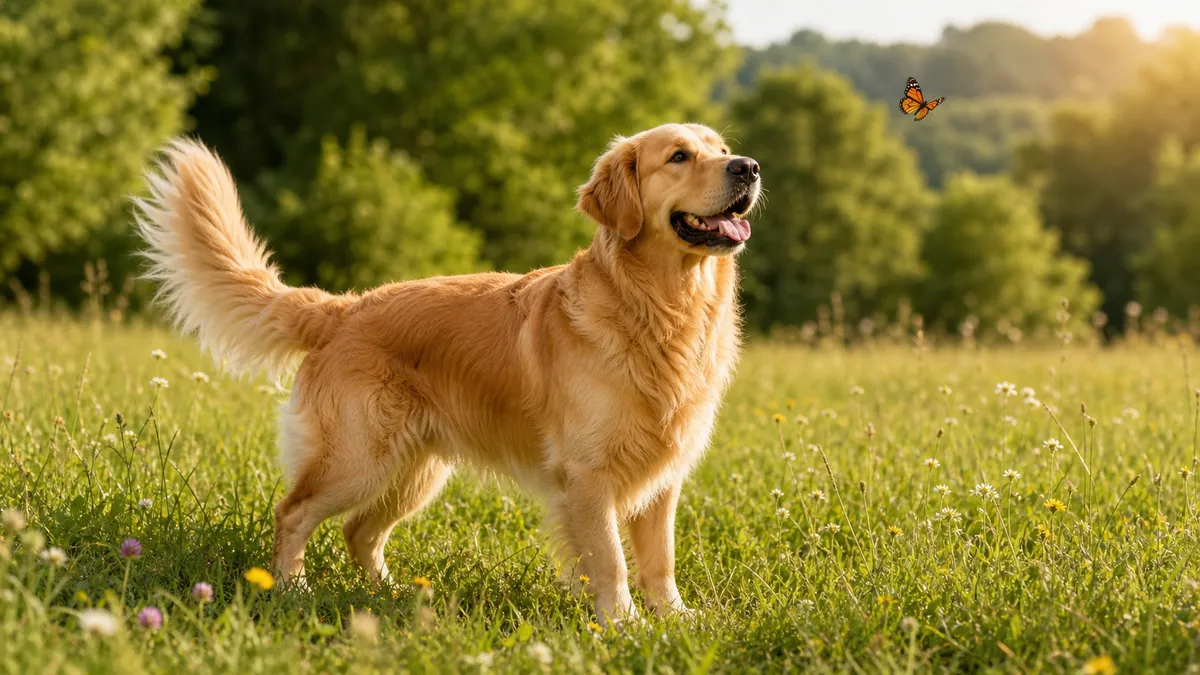
Animals · 5s · 16:9
The golden retriever tilts its head curiously and blinks. A gentle breeze moves fur and grass. Anatomy, face and paws stay stable.
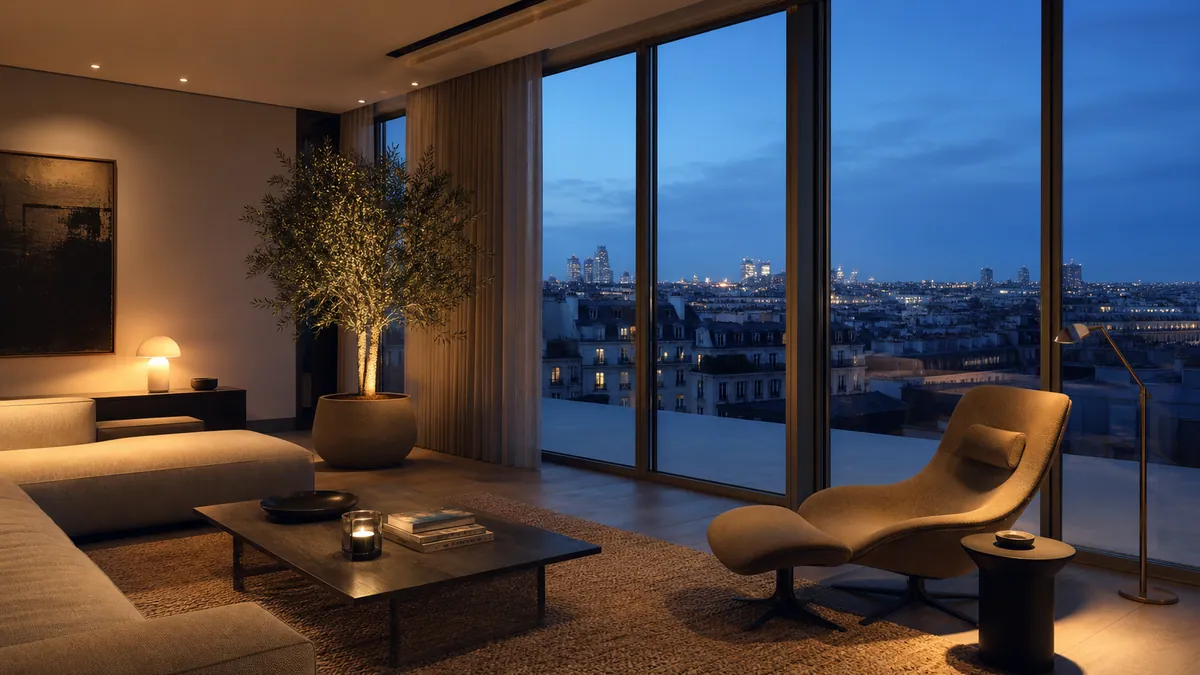
Interiors · 5s · 16:9
Slow left-to-right camera move through the modern living room. Natural parallax, stable architecture and even warm light.
Prepare a JPG, PNG or WebP.
Gentle zoom, orbit, parallax or product rotation.
You see the usage before you start.
Successful videos are saved.
Photo to video, picture animation and TikTok clips all use the same image to video flow. Pick the right starting point – no extra pages or a second generator.
Is your source image too small or blurry? Enhance the image with AI first and then use the result as the first video frame.
Turn portraits, keepsake photos or landscapes into short videos with calm, natural motion.
Use parallax, camera moves or subtle subject motion for illustrations and AI images.
Create controlled product clips for shops and ads without intentionally changing shape, packaging or logo.
Choose the vertical 9:16 format and prepare short social clips right in the same generator.
Each still image was turned into a moving video with natural camera motion. Compare the original with the result and copy the image, motion and prompt straight into the generator.
Subtle motion · 5s
Gentle forward camera push. A light coastal breeze moves hair and clothing naturally. Face, hands and identity stay stable. Soft golden light, no distortion.
3D orbit · 5s
Slow, controlled orbit camera move around the headphones. Green rim light sweeps across metal and matte surfaces. The product shape stays exact and unchanged.
Camera move · 5s
The camera glides slowly over the clear mountain lake. Gentle ripples, light morning mist and stable reflections create natural spatial depth.
Gentle zoom · 5s
Slow, appetizing push-in on the lemon tart. Warm light moves subtly across the glossy surface. Ingredients and plate stay unchanged.
Subtle motion · 5s
The golden retriever tilts its head curiously and blinks. A gentle breeze moves fur and grass. Anatomy, face and paws stay stable.
Parallax · 5s
Slow left-to-right camera move through the modern living room. Natural parallax, stable architecture and even warm light.
Use the same flow to turn photos and images into videos: for product clips, social posts or calm cinematic scenes.
Choose a JPG, PNG or WebP. Your original stays the visual foundation.
Describe camera and subject motion or use a proven template.
You see the credit usage upfront. Finished results are ready as MP4.
Every model animates your photo from the first frame. Compare their strengths, then pick one in the generator above.
Cinematic motion with native audio, clips up to 30 seconds.
from 40 creditsDetailed 1080p clips for ads and product shots.
from 70 creditsFaster Seedance renders for drafts and social clips.
from 28 creditsGoogle's successor to Veo 3.1, with native audio up to 4K.
from 12 credits1080p clips up to 15 seconds with optional native audio.
from 13 credits720p Kling 3.0 clips at a lower cost.
from 10 creditsNatural motion for portraits and pets, optional audio.
from 9 credits5 or 10-second image-to-video clips.
from 9 creditsHailuo H3 tuned for prompt adherence and aesthetics.
from 9 creditsExpressive Hailuo motion at 768p or 2K.
from 7 creditsLow-cost clips from 540p to 1080p with optional audio.
from 5 creditsxAI's video model with native audio.
from 8 creditsAffordable 2–30 second clips with optional audio.
from 12 creditsText and image animation at 720p or 1080p.
from 15 creditsLow-cost animation from a single photo.
from 9 creditsQuality, prompts, formats, costs and usage rights – short answers without fine print.
Start from the sharpest source you have: at least 1024 px on the short side, without heavy compression. Pick a 720p or 1080p model and keep the motion calm – a slow push-in or parallax keeps faces, logos and edges stable. If your photo is small or blurry, run it through the AI Image Enhancer first and use the result as the first frame.
The image already defines what is in the shot, so you do not need to describe the scene again. Describe two things: the camera movement (slow push-in, orbit, pan left, parallax) and the subject motion (hair moves in the wind, steam rises, the dog tilts its head). Add what must stay unchanged, e.g. "face and product shape stay stable".
Yes. Choose the 9:16 format before you generate. For the best framing, first extend the photo to 9:16 with the AI Image Extender so the model does not have to crop your subject, then animate the extended image.
You can upload your image, choose a style, prepare the prompt and estimate the credits for free. The actual video generation uses credits.
Not necessarily. The Creator subscription includes 180 credits every month. With Pay as you go you can still top up credits once without a subscription.
If the provider fails, rejects the request or times out, reserved credits are released automatically.
You can prepare uploads, settings, prompts and credit estimates for free. Eligible one-time credit packs support guest checkout: pay and create in the same browser without registering. Verify your checkout email to recover credits and creations on another device. Subscriptions require sign-in.
You can upload JPG, PNG or WebP images with a file size of up to 20 MB.
Commercial use of your own content is generally possible. However, you are responsible for making sure you hold the necessary rights to images, brands, people and other content and that you comply with the applicable terms of use.
For generation, the image and prompt may be sent to the selected AI provider. Finished results are stored in our storage. You can find more information in the privacy policy.
Prepare for free: upload, templates, prompt and credit estimate. Actual video generation requires credits.
Upload an image and check motion, model and cost before you start.


